
10 Best Email Marketing Automation Software in 2026, Tested and Compared
Choosing email marketing automation software comes down to the journeys you need, the data you can use, and what you can spend each month. This comparison ranks 10 email automation tools for B2B, ecommerce, creators, and product-led teams.
This is a research-backed comparison drawing on independent review and testing sources alongside official documentation, not first-hand testing by this editorial team. We compared automation controls, triggers, integrations, plan limits, and monthly billing to help readers narrow their shortlist.
Quick answer:
- Best overall: ActiveCampaign offers deep conditional automation, flexible waits, and a practical path for growing businesses that need more than basic autoresponders.
- Best for ecommerce personalization: Klaviyo is the strongest fit for stores that want purchase, browse, inventory, and catalog data to drive tailored lifecycle email.
- Best for B2B CRM workflows: HubSpot Marketing Hub connects marketing email journeys to CRM records, sales assignments, and reporting, although full workflow tools require higher tiers.
- Best value for creators and newsletters: MailerLite combines approachable automation with a free plan and paid entry from $12 per month on monthly billing.
How we picked these tools
We used the supplied official documentation to verify workflow triggers, branching, actions, plan availability, free-tier limits, and listed monthly prices. Independent reviews informed the practical praise and drawbacks in each entry, rather than being treated as product documentation.
Pricing is accurate as of October 2026, but prices are subject to change. Prices below use month-to-month billing where published and exclude temporary promotions, annual-payment discounts, VAT, and taxes unless noted.
At a glance: a comparison
| Tool | Best for | Starting price |
|---|---|---|
| ActiveCampaign | Growing businesses | $19/month for 1,000 contacts |
| HubSpot Marketing Hub | B2B teams using a CRM | Free; Starter $7/seat/month |
| Klaviyo | Ecommerce personalization | Free; paid Email $20/month |
| Mailchimp | Beginners who want a familiar all-rounder | Free; Essentials $13/month |
| Brevo | Budget automation with transactional email | Free; Starter $9/month |
| Omnisend | Multichannel ecommerce automation | Standard $16/month |
| Customer.io | Data-driven product lifecycle messaging | Essentials $100/month |
| Drip | DTC customer journeys | $39/month for up to 2,500 people |
| GetResponse | Webinars and conversion funnels | Free; Starter $19/month |
| MailerLite | Creators and newsletters | Free; Comfort $12/month |
1. ActiveCampaign
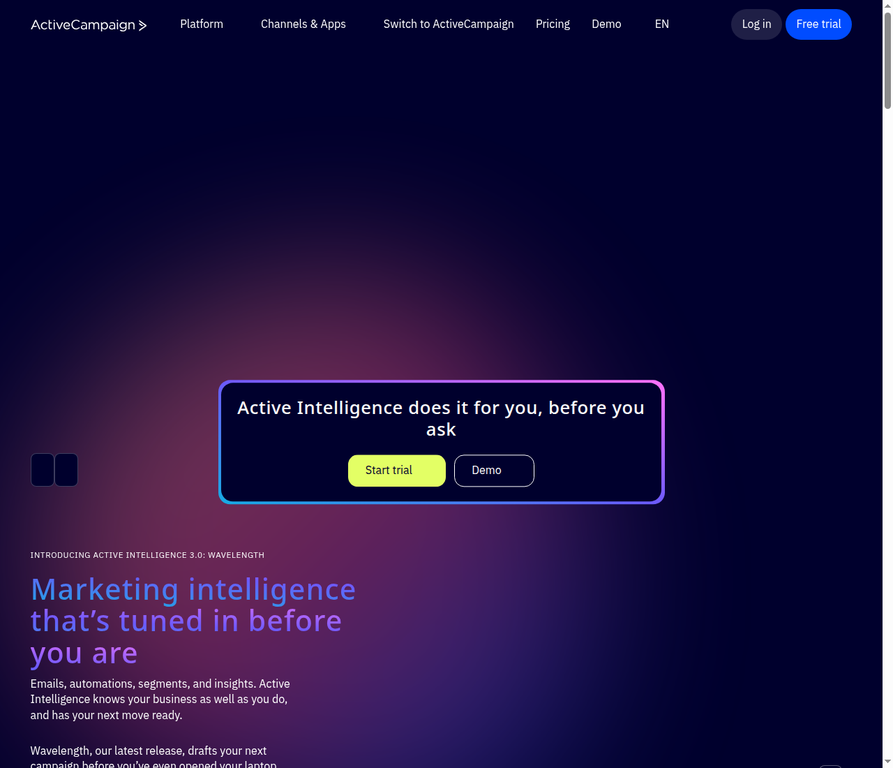
ActiveCampaign is email marketing automation software for growing businesses that need detailed, behavior-led journeys. Its visual automations can route people by data and actions, pause until a condition is met, and expand into broader marketing tools as needs grow.
Key features:
- Conditional behavior-based routing: If/Else steps route contacts down yes or no paths using actions, tags, custom fields, and site or event tracking data on eligible plans.
- Automation split tests with winner selection: Higher tiers can divide contacts across two to 10 paths, select a winning condition, and send later entrants down that path.
- Flexible time and condition-based waits: Wait steps can pause for a duration, date, custom-date offset, or segment condition, with an optional timeout.
What other people thought about it:
In its EmailTooltester review, the reviewer calls the automation powerful for triggered campaigns, sales follow-ups, and segmentation. It also cautions that the breadth of functionality can feel complex, slow, and bloated to navigate.
Pros:
- Deep conditional routing and testing controls
- Flexible waits based on dates or behavior
- Broad growth path beyond email
Cons:
- No permanent free plan
- Starter limits journeys to five actions
- Contact-based costs rise with list size
Pricing: Starter is $19 per month on monthly billing for 1,000 contacts, with a 14-day trial and no permanent free plan.
2. HubSpot Marketing Hub
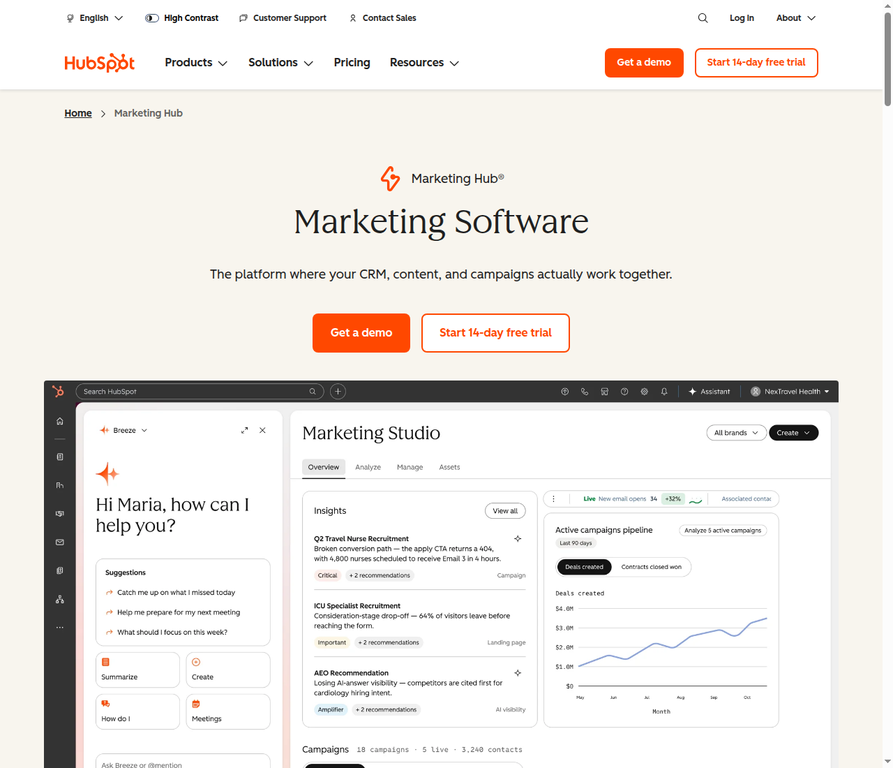
HubSpot Marketing Hub is marketing automation software built around a shared CRM for B2B teams. It can enroll records from filters, events, schedules, or webhooks, then combine email tasks with CRM updates and assignments.
Key features:
- CRM-triggered workflows with cross-record actions: Workflows can use filter, event, schedule, or webhook triggers and act on related CRM records such as associated companies.
- Conditional journey branching: Actions can branch records by property or action outcomes and AND/OR criteria, while eligible higher tiers add randomized percentage splits.
- Event- and time-based sequences with CRM operations: Journeys can wait for events or scheduled times before updating, creating, or managing record properties.
What other people thought about it:
PCMag praises the unified Smart CRM, contact management, reporting, and integrated campaign workflows. The review also flags a steep learning curve and expensive upfront costs, including mandatory onboarding on Professional and Enterprise.
Pros:
- CRM context connects marketing and sales work
- Branches and delays support tailored nurture flows
- Free plan is available for up to two users
Cons:
- Workflow creation is limited to Professional and Enterprise
- Professional has a $3,000 onboarding fee
- Learning curve can be steep
Pricing: Starter is displayed at $7 per seat per month on monthly billing for new customers, while the free plan is $0 per month for up to two users; Professional is $800 per month plus a one-time $3,000 onboarding fee.
3. Klaviyo
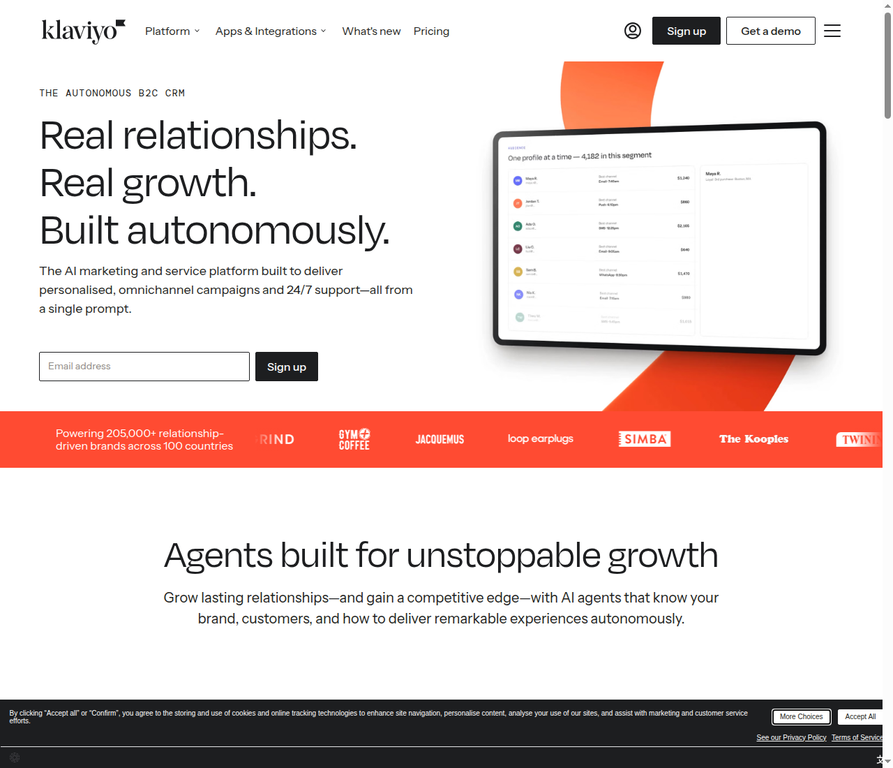
Klaviyo is an ecommerce-focused email automation platform that turns store and customer behavior into lifecycle messages. It is particularly suited to stores that need cart, post-purchase, winback, price-drop, and low-inventory automations with personalized product content.
Key features:
- Commerce-triggered lifecycle flows: Flows can start from lists, segments, purchases, other event metrics, dates, price drops, or low inventory.
- Conditional multi-path flows: Up to 20 paths can branch using profile, activity, location, list, or trigger-event data.
- Personalized dynamic product feeds: Email recommendations can draw on the catalog and customer views or purchases, with category, price, and inventory filters.
What other people thought about it:
Reviewing it, EmailTooltester praises targeted smart forms and its fit for ecommerce personalization. The same review cites high pricing, no landing-page builder, and segment creation that can demand technical jargon knowledge.
Pros:
- Strong triggers for the ecommerce lifecycle
- Up to 20 conditional flow paths
- Dynamic product recommendations in email
Cons:
- Paid entry begins at $20 per month
- Free plan has low profile and send limits
- No landing-page builder
Pricing: The free plan supports up to 250 active profiles and 500 monthly email sends, while the paid Email plan starts at $20 per month on monthly billing for the displayed 500-active-profile tier.
4. Mailchimp
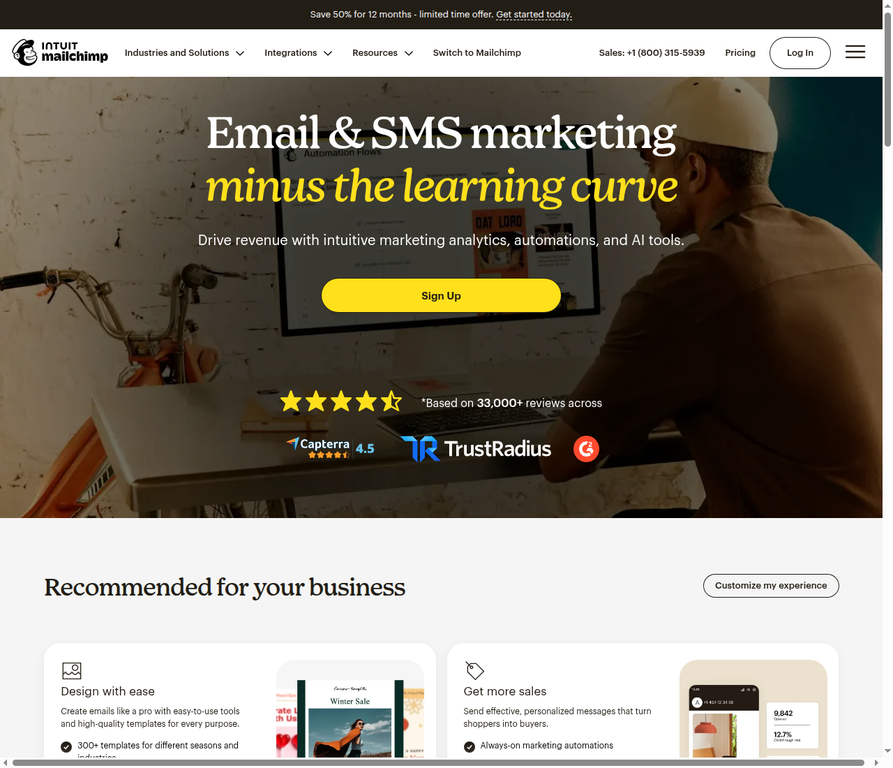
Mailchimp is a familiar all-round email marketing platform for beginners who want templates, integrations, and visual customer journeys in one place. Its automation maps can combine triggers, branching, delays, and contact actions, although advanced workflow access depends on the plan.
Key features:
- Visual flows with triggers and branching: Automation maps support triggers, conditional or percentage splits, wait steps, and actions, with up to 200 steps on Standard and above.
- Behavior- and commerce-based triggers: Starting points include signups, dates, email engagement, purchases, abandoned carts, back-in-stock events, and predictive events where available.
- Automation actions across messaging and contact operations: Actions can send email, surveys, or SMS, update contacts and tags, unsubscribe people, or call webhooks, subject to plan and market restrictions.
What other people thought about it:
The EmailTooltester review describes the template editor as clean, simple, powerful, and quick to use. It also says navigation can hide some functions and warns that unsubscribed and duplicate contacts may be chargeable.
Pros:
- Clean, familiar email editor
- More than 300 connected apps promoted
- Visual flows cover varied triggers and actions
Cons:
- Free plan is tightly capped
- Advanced flows need higher tiers
- Contact billing can include duplicates and unsubscribes
Pricing: Essentials starts at $13 per month on monthly billing for the 500-contact starting tier, while the free plan supports up to 250 contacts and 500 emails per month or 250 per day.
5. Brevo
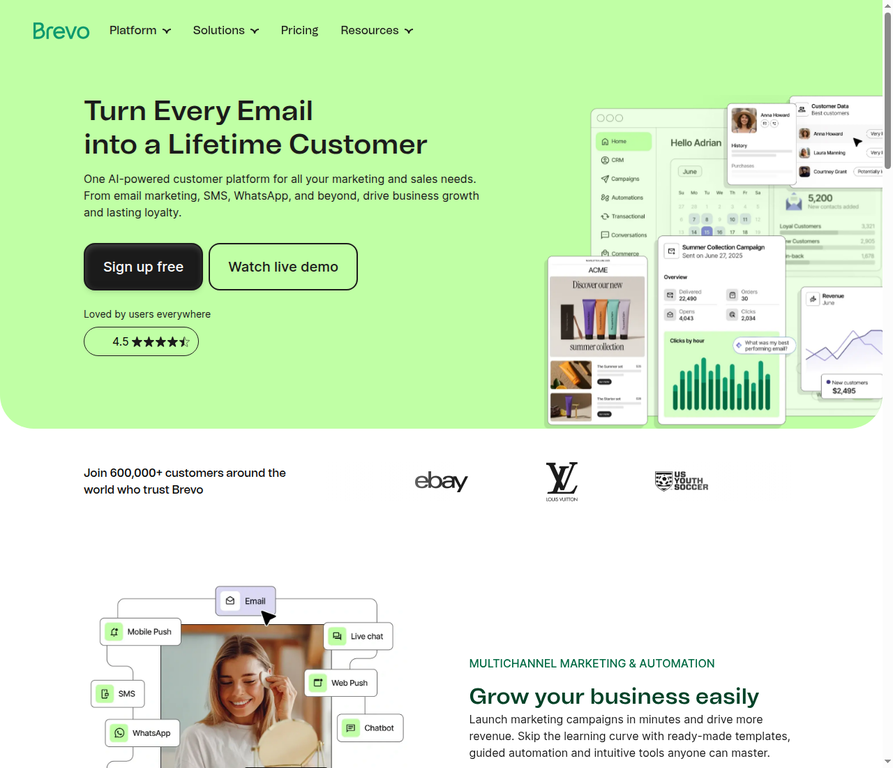
Brevo is a budget-oriented email automation option that also supports transactional messages within workflows. Its triggers cover signups, engagement, orders, and cart activity, which makes it useful for service updates as well as marketing follow-ups.
Key features:
- Commerce and engagement triggers: Automations can start from list or form signups, opens, clicks, cart changes, and orders, with ecommerce filters for products or order amounts.
- Transactional email within workflows: Workflows can send order or account confirmations alongside marketing email, with classification based on message content.
- Sequencing and branching: Visual journeys provide time delays, event waits, behavior or attribute branches, percentage splits, contact updates, and task creation.
What other people thought about it:
For Brevo, EmailTooltester recommends the platform for transactional email and praises its workflow triggers, lead scoring, and pre-launch workflow testing. The reviewer notes that no native tagging or signup-country tracking is available, and says contact attributes only partly fill the tagging gap.
Pros:
- Free plan includes transactional email
- Low paid entry for 5,000 sends
- Cart and order triggers support follow-ups
Cons:
- Free sends are limited to 300 per day
- Free automation is capped at 2,000 contacts
- No native tags or signup-country tracking
Pricing: The free plan is $0 per month and includes up to 300 sends per day, while Starter begins at $9 per month on monthly billing for 5,000 emails and up to 500 contacts.
6. Omnisend
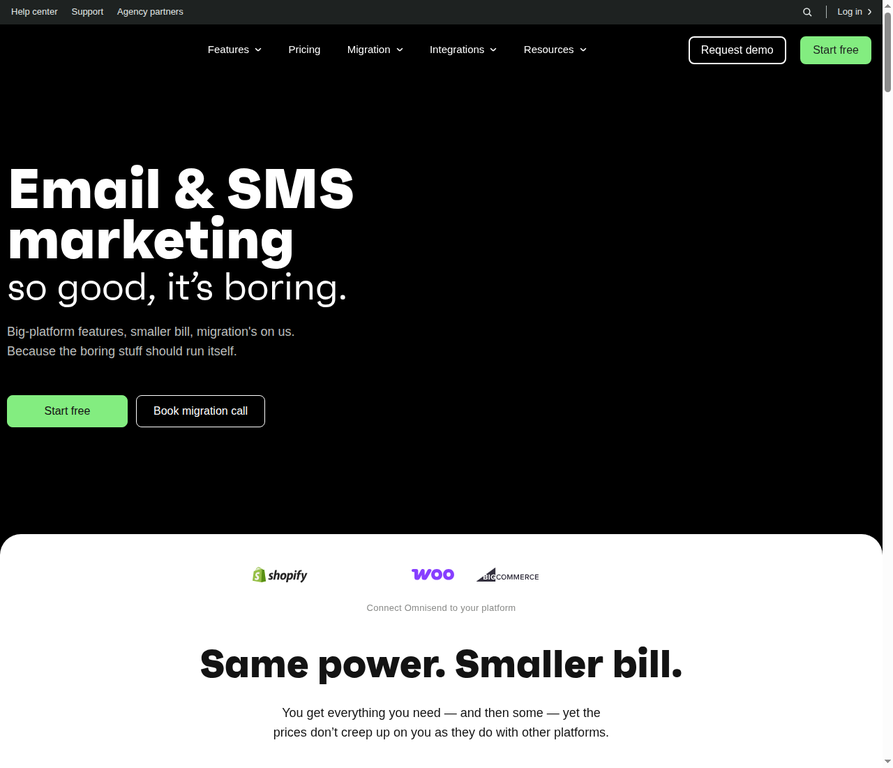
Omnisend is an ecommerce automation platform for stores that want coordinated email, SMS, and push journeys. Its ready-made workflows cover common shopping moments, while conditional splits tailor routes using event, profile, segment, and engagement data.
Key features:
- Ecommerce automation presets: More than 15 preconfigured workflows cover welcome, cart and checkout abandonment, browse and product abandonment, transactional, and post-purchase journeys.
- Multichannel workflow messages with channel-level consent controls: Workflows can combine email, SMS, and push, with delivery settings based on subscription status.
- Behavioral conditional branching: Conditional splits can use trigger data, profile or segment data, or previous email and SMS engagement, then allow paths to rejoin.
What other people thought about it:
The EmailTooltester review praises the easy-to-use automation, broad trigger and condition choices, and ecommerce support for email, SMS, and push. It identifies missing CRM-style lead-management automations, including lead scoring workflows.
Pros:
- Ready-made ecommerce journeys
- Email, SMS, and push coordination
- Conditional paths can personalize messages
Cons:
- SMS is not included with entry Standard for new subscribers
- SMS credits are separately purchased
- No CRM-style lead scoring workflows
Pricing: Standard starts at $16 per month on monthly billing for 500 contacts, excluding VAT; the free plan allows up to 500 emails per month to 250 unique contacts.
7. Customer.io
Customer.io is data-driven lifecycle messaging software for product teams that can work with events, attributes, and dynamic segments. It is designed for behavior-specific automations where data in an event can also personalize the message that follows.
Key features:
- Event-triggered journeys with event-data personalization: Product and site events can launch automations, feed segment criteria, and provide nested data for message personalization.
- Conversion goals and early exits: Automations can mark a goal from an event or segment change and remove people early when exit criteria apply.
- Real-time reusable data-driven segments: Segments update automatically as people match or leave conditions across attributes, events, relationships, consent, and messaging data.
What other people thought about it:
Encharge calls the workflows flexible and powerful and rates segmentation and targeting highly for event logic and custom traits. It also reports a substantial setup curve for teams unfamiliar with Liquid or data structures, rising costs with list growth, and limited advanced reporting; this source is from a competing vendor and may carry commercial bias.
Pros:
- Event payloads can drive tailored messages
- Segments update as behavior changes
- Goals and exits can stop irrelevant follow-ups
Cons:
- $100 per month entry price
- No generally available free plan
- Setup and data concepts can be demanding
Pricing: Essentials starts at $100 per month on monthly billing and includes 5,000 profiles and one million monthly emails; no general free plan is listed, although eligible startups may qualify for a conditional program.
8. Drip
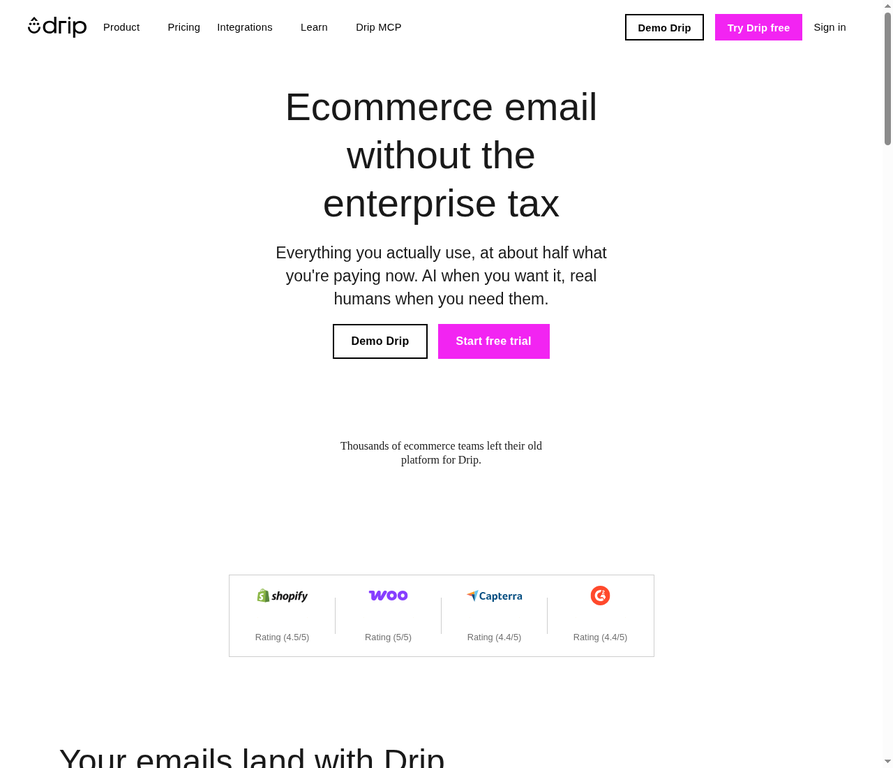
Drip is an ecommerce email automation tool for DTC brands that want customer journeys tied to browsing, cart, product, and order activity. Its visual workflows use decisions and purchase goals to change or stop follow-ups after a shopper converts.
Key features:
- Shopper-event-triggered ecommerce workflows: Workflow triggers can respond to marketing engagement, orders, page views, cart activity, product activity, and integration actions.
- Conditional journeys with purchase goals: Decisions can branch by criteria such as products bought or purchase count, while purchase goals move converters past irrelevant messages.
- Workflow split testing with commerce metrics: Split tests randomly assign entrants to paths and report order conversion, revenue per person, and site visits, with the marketer selecting the winner.
What other people thought about it:
According to Email Software Insights, behavioral automation and the visual builder make sophisticated, customer-specific branching manageable, and revenue attribution is useful. The review also finds the template library limited and notes the lack of a built-in landing-page builder.
Pros:
- Ecommerce triggers span browsing through orders
- Purchase goals prevent irrelevant follow-ups
- Revenue-focused workflow reporting
Cons:
- No permanent free plan
- Template library is limited
- No built-in landing-page builder
Pricing: Drip costs $39 per month on monthly billing for 1 to 2,500 people, with a 14-day trial and no ongoing free plan.
9. GetResponse
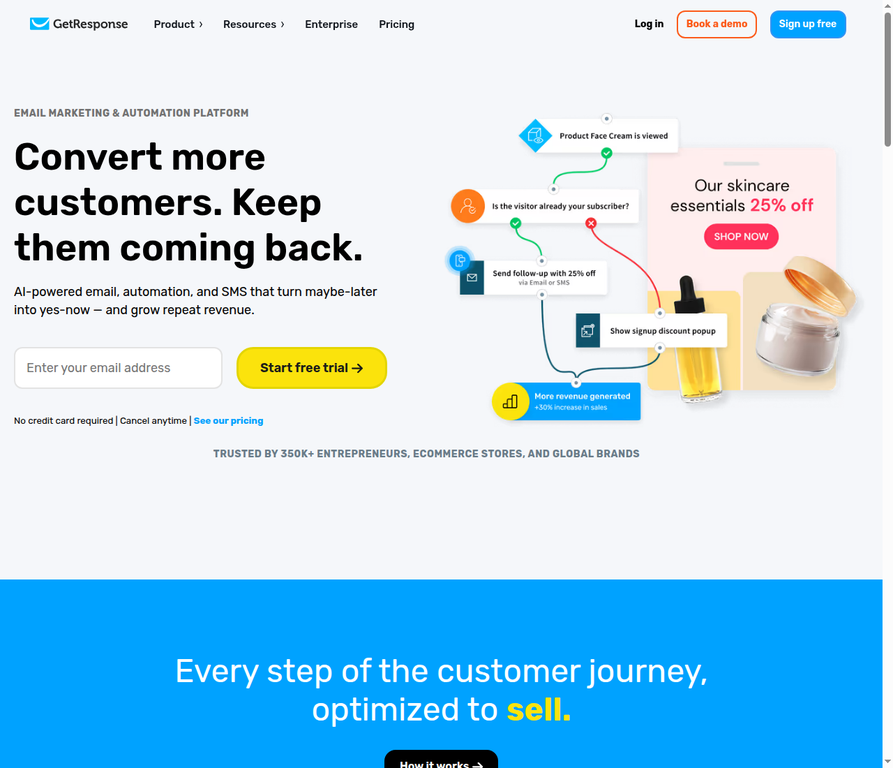
GetResponse is email marketing automation software for teams that run webinars and conversion funnels alongside newsletters. It combines behavior-based workflows with registration, reminder, follow-up, and evergreen lead-capture sequences.
Key features:
- Visual behavior-based automation workflows: Workflows use customer events, conditions, filters, tags, engagement scores, and points for personalized journeys.
- Automated webinar registration and nurturing: Webinar pages can capture registrants and trigger invitations, reminders, follow-ups, and on-demand lead capture.
- Integrated conversion funnels: Conversion Funnel connects landing pages, autoresponders, webinars, and checkout flows for sales, list building, and paid or free webinars.
What other people thought about it:
TechRadar calls it a strong choice for businesses that need email marketing and webinar hosting, and praises funnel templates linking landing pages, email, and checkout. It also cites no phone support, a learning curve for complex automation, and advanced features locked behind higher plans.
Pros:
- Webinar invitations and follow-ups are automated
- Funnels join landing pages, email, and webinars
- Behavior-based workflows include scoring and tags
Cons:
- Starter permits only one custom workflow
- Advanced tools are plan-gated
- No phone support
Pricing: Starter costs $19 per month on monthly billing for up to 1,000 subscribers and unlimited email sends; the ongoing free plan supports up to 500 contacts and 2,500 newsletters per month.
10. MailerLite
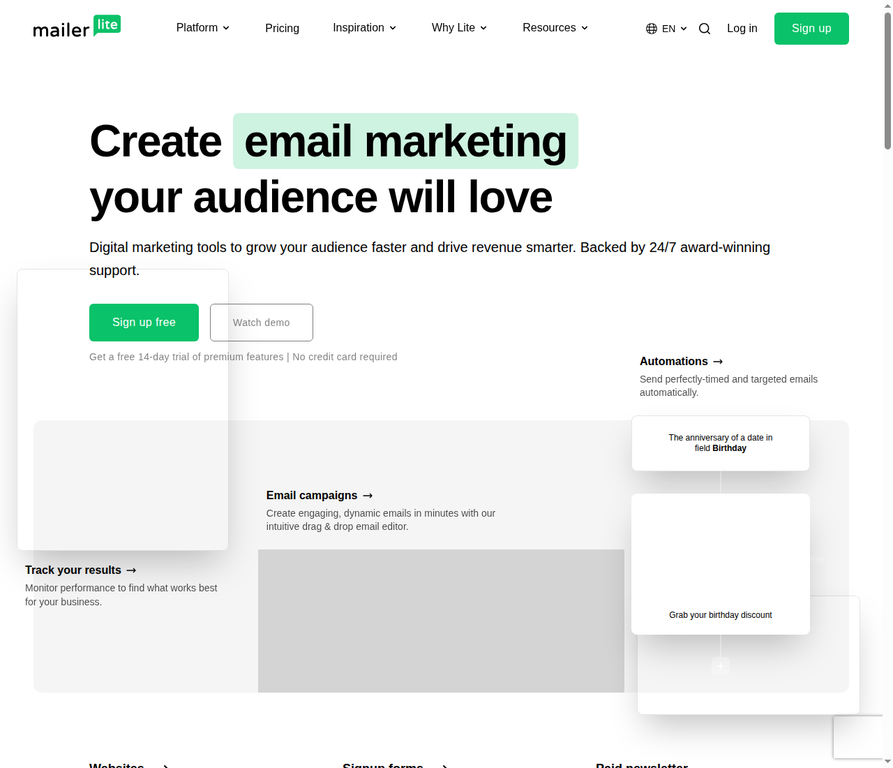
MailerLite is a value-focused email automation platform for creators and newsletter publishers who want a straightforward workflow builder. It supports targeted follow-ups from clicks, forms, groups, segments, and dates, plus basic subscriber-management actions.
Key features:
- Seven automation triggers: Workflows can start from group joins, form completions, link clicks, field updates, segment joins, anniversaries, or exact dates.
- Condition branching: Subscriber paths can branch by campaign or workflow activity, custom fields, group membership, or segment membership, using up to five all or any rules.
- Timed workflow actions and audience operations: Delays can wait for an interval or specific time, while actions include webhooks, notifications, custom-field updates, and group changes.
What other people thought about it:
Finally, EmailToolTester praises the clean, non-overwhelming interface and feature-rich free plan. Its review says advanced automation is thinner than some rivals, pointing to missing website tracking, lead scoring, and CRM-related automation.
Pros:
- Free plan includes three automations
- Paid entry begins at $12 per month
- Simple triggers cover common newsletter needs
Cons:
- Free plan has modest subscriber and send limits
- Advanced automation lacks website tracking
- No lead scoring or CRM automation
Pricing: The free plan is $0 per month for up to 250 active subscribers, 2,500 emails per 30 days, and three active automations; Comfort starts at $12 per month on monthly billing, with prices rising by subscriber tier and taxes potentially added.
Bottom line
The best email marketing automation software depends on the data you have, the journeys you need, and how much complexity your team can manage. Start by mapping one or two high-value flows, such as a welcome series, abandoned-cart sequence, sales nurture, or post-purchase follow-up.
ActiveCampaign is the best overall pick here for growing businesses because its routing and wait controls support sophisticated journeys without requiring a CRM-first setup. The trade-off is a more complex interface, no ongoing free plan, and important workflow controls reserved for higher tiers.
For ecommerce personalization, Klaviyo is the strongest choice, while Omnisend and Drip suit stores that prioritize templates, multichannel messaging, or DTC revenue workflows. HubSpot Marketing Hub is a better fit when the automation must update CRM records and work closely with sales.
Brevo, MailerLite, Mailchimp, and GetResponse give smaller teams different low-cost or free starting points, while Customer.io is better suited to product teams with rich event data and a larger budget. Check feature gates, contact limits, onboarding fees, and SMS rules before committing to an annual plan.
Frequently asked questions
What is the best email marketing automation software?
ActiveCampaign is the best overall email marketing automation software in this comparison for growing businesses that need conditional routing, flexible waits, and higher-tier split testing. It is not the cheapest option, and its more advanced workflow actions are unavailable on Starter.
Which email marketing platform is best for small businesses?
MailerLite and Brevo are strong options for small businesses that want a low-cost starting point and core automation. MailerLite starts paid plans at $12 per month, while Brevo starts at $9 per month and includes transactional email in its free plan, subject to its send and automation-contact limits.
What is the best email automation tool for ecommerce?
Klaviyo is the best email automation tool for ecommerce personalization because it can trigger flows from purchase, browse, price-drop, and inventory data and add product recommendations to emails. Omnisend is a compelling alternative when email, SMS, and push workflows are central, but new Standard subscribers need Pro for SMS credits.
Can email marketing software automate follow-up emails?
Yes, email marketing software can automate follow-up emails after signups, link clicks, form submissions, purchases, cart activity, webinar registration, or other events. The most useful platforms also add delays, conditions, exit criteria, and contact updates so people do not receive a follow-up after they have converted.
Is there free email marketing automation software?
Yes, Brevo, HubSpot Marketing Hub, Klaviyo, Mailchimp, GetResponse, and MailerLite have ongoing free plans, each with different contact, send, user, or workflow limits. Free plans can be useful for simple automations, but advanced branching, higher send limits, and ecommerce or CRM features often require a paid tier.
This comparison draws on independent reviews and official documentation published or accessed between June 2025 and October 2026. Pricing was checked on 10 October 2026; it is not based on first-hand testing by this editorial team, and product terms, pricing, and availability may change.